A website blocker that knows what you are working on
CoreContent Raami is a voluntary focus tool. You decide in advance how long you focus, and for that time your browser opens only what belongs to your work. Your AI assistant builds the list of allowed sites as you work, so you never maintain it by hand.
Join early access How Raami works
- In testing
- macOS · Chrome
- Claude Code · Claude Desktop · Codex · Copilot · Cursor · Gemini CLI · MCP

How it works
Plan the day, then just work
In the morning you tell your assistant what the day holds, for example “article 2 h, client proposal 1 h, image search 30 min”. The assistant turns it into tasks. Each task has a goal, its own allowed sources and a mode that fits the work. You approve the plan, and from then on the Raami icon in Chrome is all you need.
The Today view shows the active task, how much time is left and what the task allows. Switch to the next task with Continue: the allowed pages change at once, and each planned task opens its own time window. Done marks the task finished, and Extend gives the session more time.
Modes
Two ways to stay on task
Every task has one of two modes. The assistant picks the one that fits the work, and you can change it with one sentence.
Block: only the task's own pages open
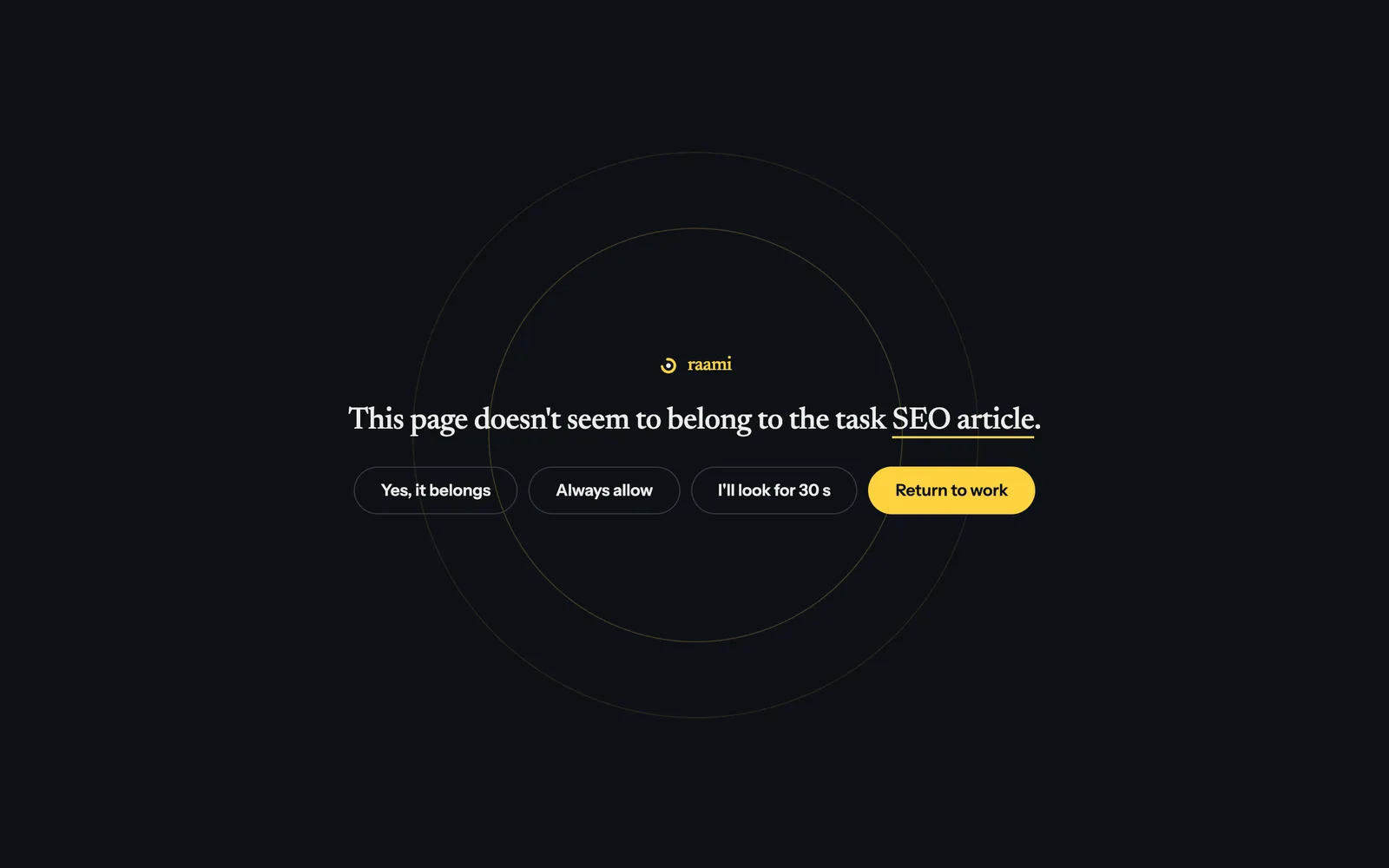
For work whose sources you know in advance: writing, coding, a client proposal. Any other page lands on a calm page that names your task and takes you back with one click. If a page you need is missing, ask the assistant to allow it and click Check again.

Observe: everything open, drifting becomes visible
For searching and research, where you can't know the sources in advance. Social media, news, entertainment, games and shopping stay closed, and everything else opens. If you linger on a page that doesn't seem to belong to the task, a yellow bar asks about it. It asks sooner if the page doesn't match the task's keywords, and later if you came from a work page or a matching search. Only the time you spend looking at the page counts.
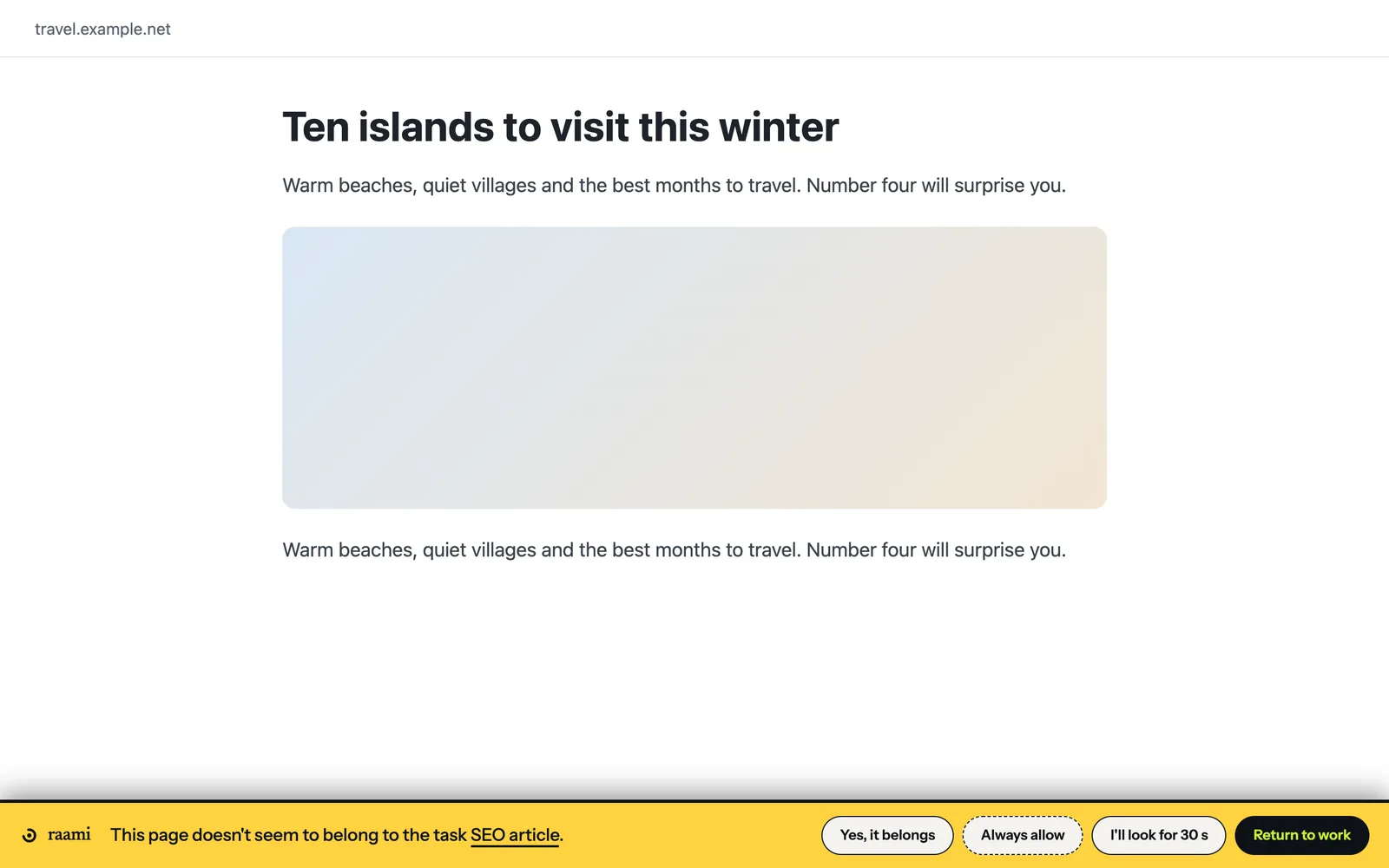
Yes, it belongs adds the page to the task, and you won't be asked about it again. Return to work takes you back to the page you were working on. Nothing is blocked, but drifting no longer goes unnoticed. If you don't answer, the bar covers the page after a couple of minutes.
YouTube and Reddit for work, without recommendations
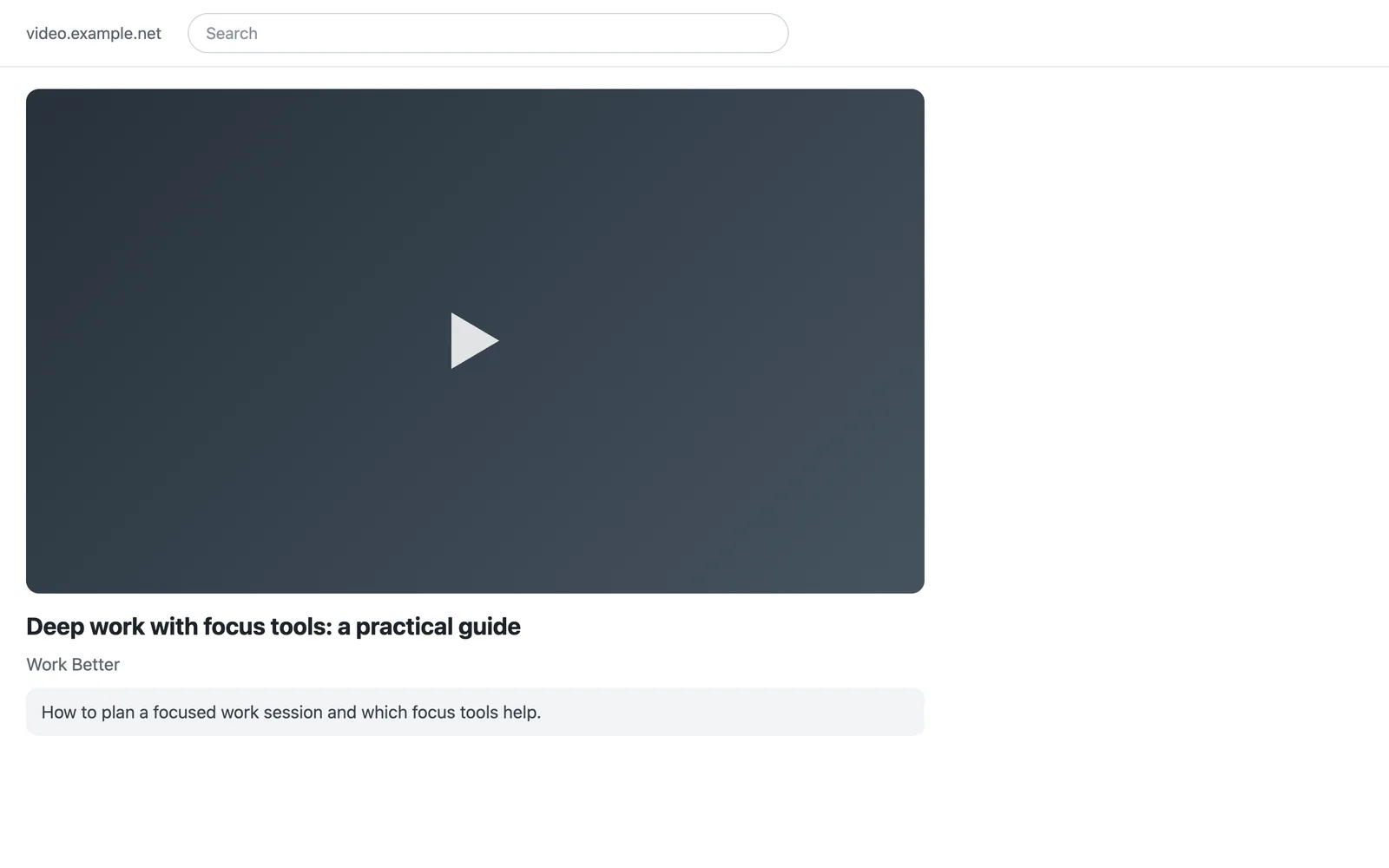
During a session Raami hides YouTube's recommendations, comments and Shorts and turns autoplay off, in both modes. The video you need stays, and in observe mode each video is asked about on its own: an entertainment video that doesn't match the task gets the question within seconds.
On Reddit, the home feed is emptied, r/popular and r/all are closed and the sidebar of recommended communities is hidden. Communities, discussions and search stay, and in observe mode each discussion is asked about on its own.
Your assistant builds the list, and pushes back
The pages your assistant finds or recommends for the task become its sources, each with a note on why it belongs. You don't keep an allowlist up to date by hand, and the list grows from the work you actually do.
The assistant also says no. A break, entertainment or open-ended browsing is not a task, and the assistant won't create one. That pushback is judgement, not a lock: Raami is voluntary, and you can always switch it off.
You Let's plan the day: SEO article 2 h, client proposal 1 h, image search 30 min.
Assistant Three tasks. The article is research, so observe mode with the keywords focus, focus tools and website blocker. The proposal has known sources, so block mode with your notes and email. Image search in observe mode. Shall I add them to today's plan?
You Yes. And allow the client's style guide in the proposal.
/raami:daily.Private by design
Your tasks and browsing data stay on your computer. Raami is a local service and a browser extension, and nothing is sent anywhere without your separate consent. The optional model that scores how close a page is to the task also runs on your computer.
Sessions that start by themselves
In Settings you can choose the weekdays and hours when a session starts on its own. It continues where you left off: with the first unfinished task of today's plan, or with the task that was open last. Settings also hold your own lists: sites that are always allowed, blocklisted sites you need for work, such as YouTube for product research, and your own blocks for kinds of work such as editing.
Questions
Does Raami send my browsing data anywhere?
No. Your tasks and browsing data stay on your computer, and nothing is sent anywhere without your separate consent.
Which computers and browsers does it work on?
macOS with Chrome. Windows and Linux are not available.
Which AI assistants does it work with?
Claude Code, Claude Desktop, OpenAI Codex, GitHub Copilot, Cursor and Gemini CLI, and any other assistant that supports MCP (Model Context Protocol, the standard way for an assistant to use tools).
Can I allow one YouTube video and keep the rest closed?
Yes. From YouTube and other large platforms, only that video or page is added to the task. During a session YouTube's recommendations, comments and Shorts are hidden, and autoplay is off.
Does Raami block Reddit?
Not in observe mode. Communities, discussions and search stay open, the home feed is emptied, and r/popular and r/all are closed. In block mode only the task's own pages open, and the assistant can allow a single discussion.
Can I turn it off?
Always. Raami is voluntary: you can switch the extension off in Chrome's extension settings and back on in the same place. Within Raami, a session can be extended but not shortened.
Which languages does it speak?
The extension and its messages are in English, Finnish and German. Your assistant replies in your own language.
What does it cost?
Pricing is planned, and Raami can't be bought yet. See planned pricing.
Read more
Early access
Raami is tested with a small group, and we are looking for more testers who work on a Mac with Chrome and an AI assistant.
The early access form will be added here.